+1-480-241-8198
 +44-7428758945
 +61-1300-332-888
 +91 9811400594
Salesforce as a CRM platform has helped businesses transform its operations, internally and with customers, leading to sustainable growth. The platform offers all the tools like trusted AI, autonomous agents, and automation to attract customers, build loyalty and simplify your processes. This is why businesses are investing more in Salesforce. However, it’s easier said than done to get maximum CRM ROI. There are a host of issues such as low data quality, poor strategy and even accumulated technical debt. Any of these issues can hinder your ways to increase Salesforce ROI.
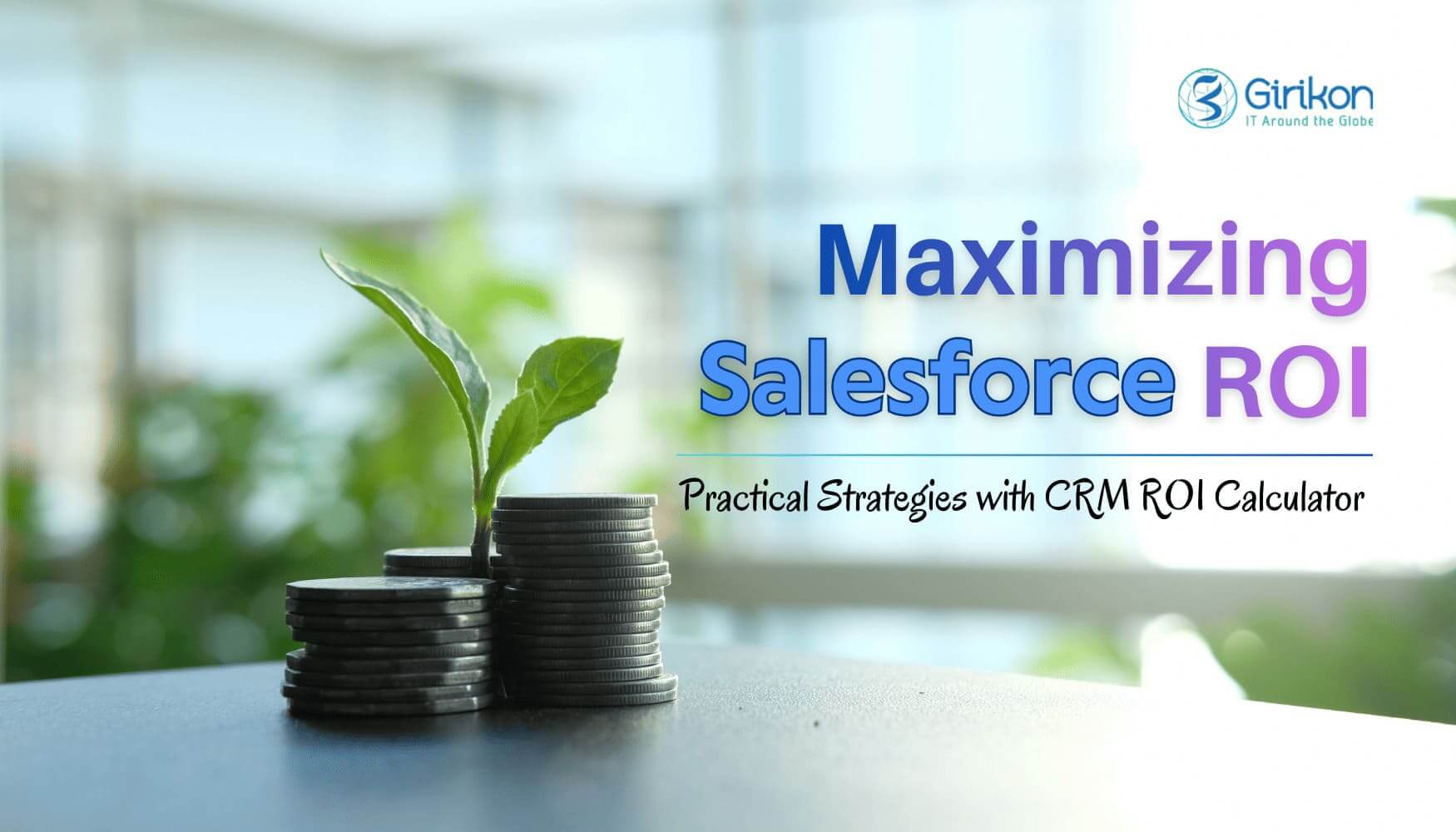
Therefore, it’s important to have a well-planned Salesforce implementation strategy that boosts ROI in Salesforce. In its absence, you risk under-utilizing your investment, data stays fragmented, and growth remains stagnated. In this blog, we’ll help you realize the maximum benefit out of your Salesforce investment. We will explore the best practices to improve your Salesforce AI ROI. Our goal is to help you drive greater efficiency, accuracy, and results. In addition, we’ll also share scenarios where Salesforce AI works for you and where it doesn’t. Also, share CRM ROI calculator metrics, so that you can make informed decisions and optimize your use of the platform to drive better results for your business.
What ROI in Salesforce Really Includes
ROI in Salesforce rarely comes from one big number. It comes from how revenue moves, how people work, and how much effort the business spends just keeping things running.
- Better CRM ROI occurs when teams see the right deals at the right time and act before momentum is lost.
- Productivity gains appear when fewer hours are spent updating fields, chasing information, or fixing errors downstream.
- When service teams resolve issues faster and marketing works towards branding, messaging, instead of results leads to cost efficiency.
Salesforce AI has been supporting all three. But it cannot fix weak processes, poor data habits, or teams that do not trust the system. Below are different scenarios you need to consider deciding if Salesforce AI is delivering the ROI, you expect and when it doesn’t.
When Salesforce AI Delivers ROI and When It Doesn’t
Salesforce AI tends to deliver ROI when the basics are already working when data is reliable, teams use the CRM consistently, and AI use cases are clearly tied to revenue or cost control. But more than that, ensure the team is performing based on the signals the CRM shows. Remember, even strong AI models cannot compensate for unclear ownership, inconsistent usage, or leadership that tracks activity instead of outcomes.
When Salesforce AI Fails to Deliver ROI
Your Salesforce AI ROI will be unable to deliver the desired result, if your team doesn’t fully commit to the system, data cannot be trusted, and insights never used for forming decisions. In those environments, you get outputs, but nothing changes, and this is why almost 95% of AI pilots fail in delivering measurable returns.
Calculate ROI in Salesforce: Key Metrics to Know
Formula is different but knowing the key factors that would decide whether your Salesforce ROI is working or not is important. So, let’s understand what are the points that you need to know before you invest or make a strategy to increase Salesforce ROI..
- Sales Metrics: Salesforce CRM ROI becomes visible through revenue-linked sales metrics. These are pipeline velocity, win rates, deal size, and time to close to show whether Salesforce is helping deals move forward, not just documenting them.
- Service Metrics: On the service side, ROI is tied to cost and stability. So, focus on metrics like first contact resolution, case volume per agent, and cost per ticket reflect whether Salesforce ROI is reducing pressure on teams while keeping service quality intact.
- Marketing Metrics: This particular ROI depends on efficiency and contribution. Lead quality, conversion rates, campaign influence on pipeline, and time to opportunity matter more than raw lead counts.
- Adoption & Data Quality: Across all functions, adoption and data quality quietly determine whether these metrics can be trusted. If you don’t have such parameters, ROI discussions become theoretical more quickly than practical components.
Salesforce ROI Calculator
Most calculators rely on a simple structure:
ROI = (Expected Benefits − Total Investment) ÷ Total Investment
In which expected benefits are user count, deal values, conversion rates, service volumes, and average handling costs, and the total investment is the amount and efforts both put into a Salesforce AI project. AI-related assumptions often layer in expected productivity improvements or accuracy gains, which can significantly shift the final number.
That is why ROI calculators are directional, not predictive. They show what is possible under certain conditions, not what will automatically happen after implementation.
How to Increase Salesforce ROI: 7 Best Practices for Success
So far, we’ve seen different factors that help you calculate ROI in Salesforce. But the important point is to remember that it’s not about the numbers but the parameters you set before investing in the platform. Below are few practical ways you can increase Salesforce ROI:
Drive Adoption & Data Discipline First
Salesforce is only valuable when your team uses it on a regular basis and trust what they observe on the inside. When records are not complete or the dashboards don’t show the reality, then confidence is lost within a short time. Enhance the system with simple layouts, eliminate clutter, and make dashboards as they should be designed to reflect the way teams work. Have explicit data ownership, implement validation rules, and make periodic reviews.
Once the adoption is made better, the forecasts and reports are reliable, and Salesforce is no longer the tool but an enabler of growth and efficiency in your organization.
Automate High-Friction Workflows
The fastest method to increase Salesforce ROI is to eliminate the daily frustrations that slow down the processes. Automated lead assignment, case routing, and repetitive follow-ups reduces the amount of time and effort spent on manually doing them. It’s not just about efficiency; it also boosts team morale. When Salesforce does the tedious task, teams don’t feel overwhelmed and feel supported.
So, begin with the processes that have the most people involved to ensure that the benefits are felt in the sales, service, and marketing. The trust in the platform is increased when it is perceived as a true productivity partner.
Turn Insights into Execution
Information alone cannot bring change, but action does, as in if Salesforce identifies a deal that is at risk, a task, alert or workflow should be automatically triggered. When the churn risk increases the service teams must be informed immediately and not weeks in a review meeting. Placing signals in everyday operations will make sure that they are not idle but will motivate immediate actions.
When the churn risk increases the service teams must be informed immediately and not weeks in a review meeting. Placing signals in everyday operations will make sure that they are not idle but will motivate immediate actions.
Remember, insights are not numbers on the dashboard, they are functional triggers, treat them as such. Real-time insight also bridges the gap between knowing and execution and makes your CRM a system that actively drives the business forward.
Align Incentives with Salesforce Outcomes
Individuals react well to the measure of success, so ensure forecasts, reviews and incentives are built upon CRM data, reducing workarounds. Salesforce stops being optional and becomes the record system. But to ensure that, you must link compensation, recognition and performance reviews directly proportional to Salesforce usage.
For example, reward accurate pipeline updates or clean data entry as part of quarterly assessments. This cultural change makes the adoption to be permanent, since success would be tied to the effectiveness of teams operating on the system, rather than working on side spreadsheets or offline workarounds.
Integrate Salesforce into Customer Experiences
ROI increases when Salesforce is not only an internal tool but also part of customer experience. Therefore, connect it with other touchpoints within your system such as marketing journeys, service touchpoints and partner workflow such that data flows easily through the lifecycle. When you integrate AI in customer success, you can predict customer needs, personalized interaction, and even resolve issues faster.
For example, a marketing lead nurture can be initiated by a sales update or an upsell opportunity can be informed by a case of service. When customers experience this level of responsiveness and attention, the ROI is revealed not only in the financial results, but also in the loyalty, retention, and long-term growth.
Closing Statement on Increase Salesforce ROI
There’s no doubt that Salesforce AI is bringing a lot of changes to the way businesses deliver services and interact with customers. From scalable cloud-based CRM, built-in AI to automation, and analytics, it has a lot of features and capabilities. However, many businesses struggle to fully realize or increase Salesforce ROI.. As we understood so far, the problem lies more with how the CRM is implemented, managed, and adopted within the organization and less on the platform itself.
So, if you also want to drive the maximum benefit out of your ROI in Salesforce, follow the steps discussed in the blog. In addition, also consider the factors that decide a successful Salesforce investment. Additionally, we recommend you consult a reliable Salesforce consulting partner. The experts there ensure your organization is making the most of the platform’s capabilities and assist in growing your business in the most sustainable way possible.
FAQs
How long does it typically take to see ROI after implementing Salesforce?
Salesforce ROI timelines vary based on implementation quality, data readiness, and user adoption. Most organizations begin seeing measurable ROI within 6 to 9 months when Salesforce is configured around clear business outcomes such as pipeline velocity, service efficiency, or customer retention. Delays usually occur when adoption is low, data is fragmented, or AI insights are not tied to execution workflows.
Does Salesforce AI automatically improve ROI, or does it require process changes?
Salesforce AI does not improve ROI on its own. It amplifies existing processes. Organizations see strong Salesforce AI ROI only when AI insights are connected to reliable data, clearly owned workflows, and real operational decisions. Without process alignment, AI may generate insights, but they rarely translate into revenue growth or cost reduction.
What metrics matter most when measuring ROI in Salesforce?
The most important Salesforce ROI metrics depend on function, but they typically include pipeline velocity, win rates, deal size, first-contact resolution, cost per case, lead-to-opportunity conversion, and user adoption rates. Across all teams, data quality and consistent CRM usage are foundational, because ROI metrics lose meaning when the underlying data cannot be trusted.
What are the key strategies to boost Salesforce AI ROI?
Prioritize Data Quality and Integration: The effectiveness of AI depends on the data it consumes. Utilize Salesforce Data Cloud to unify, clean, and harmonize data from all sources, ensuring AI agents have a 360-degree view of the customer.
Focus on High-Impact Automation: Identify the most tedious, time-consuming processes (e.g., lead assignment, case routing, manual data entry) and deploy AI to automate them, which reduces costs and improves team morale.
Implement Actionable AI: Turn insights into immediate actions. If AI identifies a high-risk churn account, it should automatically trigger a workflow or alert for the service team.
Start Small with Clear KPIs: Don't deploy AI for the sake of innovation; define specific outcomes, such as reducing feature development time by 40% or increasing win rates. Start with targeted, high-value use cases and scale from there.
Invest in User Training and Adoption: Ensure teams understand how to use AI tools like Einstein Copilot by holding enablement sessions and creating AI playbooks.
Utilize Native AI Tools: Leverage Salesforce-native tools like Agentforce for Developers to accelerate development, improve test coverage, and integrate seamlessly into existing workflows.
Monitor and Iterate: AI is not "set and forget." Regularly audit the system to measure AI performance against KPIs, update prompts, and refine models for better accuracy.
About Author

Anjali is a technical content writer and strategist with 9 years of experience, bringing expertise in creation and strategy for IT services, software development, and Salesforce consulting companies. She excels at developing SEO-driven storytelling and technical narratives, and in crafting marketing assets that boost visibility, accelerate sales, and deliver measurable business growth.
Share this post on: